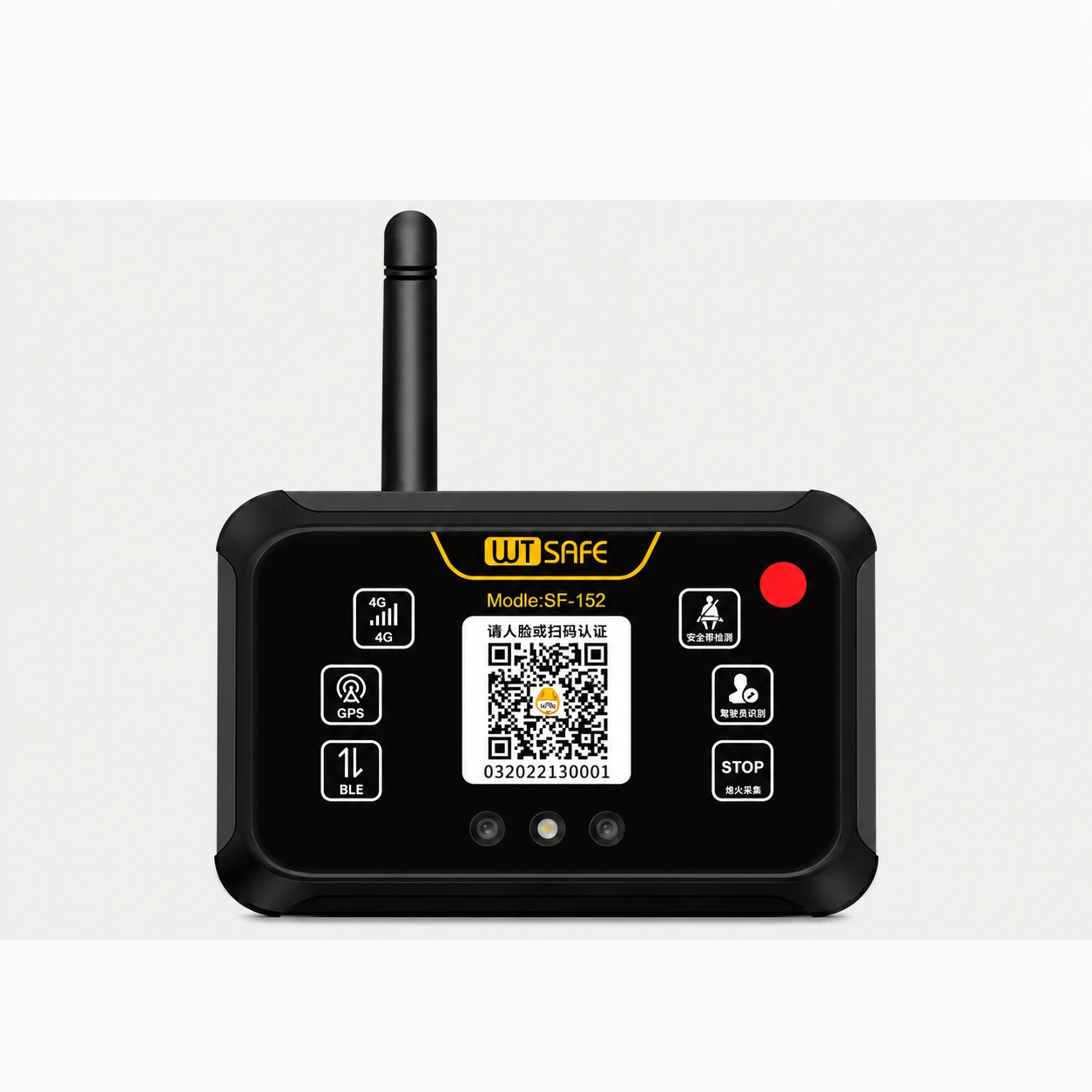
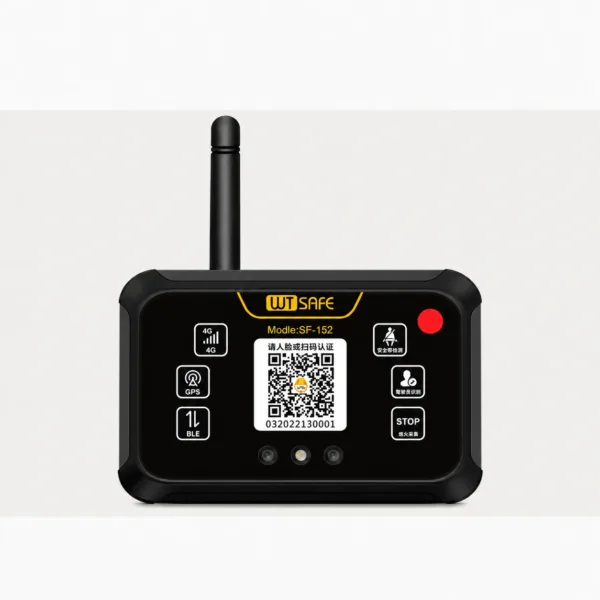
SF-152 Forklift Operator Access Control System
The WTSAFE SF-152 is a vehicle-mounted forklift access control system for managing who can operate each vehicle. Drivers are assigned through the fleet management platform and can identify themselves by scanning the terminal’s QR code or using facial recognition. The connected system also supports vehicle positioning and usage records.
Platform-based driver and vehicle authorization
QR code scanning or facial recognition at the forklift
GPS positioning and connected vehicle records
Optional wired seat belt sensor integration
Know Who Is Authorized to Operate Each Forklift
SF-152 is a vehicle-mounted terminal for forklift access control
and fleet management. Managers register personnel and vehicles
through the platform, then assign drivers to the forklifts they
are permitted to operate.
At the vehicle, an authorized driver can identify themselves by
scanning the terminal’s QR code or using facial recognition. The
system also supports connected vehicle information, positioning
and usage records.
Connect Driver Identity, Vehicle Access and Fleet Records
SF-152 brings the authorization process at the forklift together
with personnel and vehicle information managed through the platform.
Driver Authorization
Assign registered drivers to specific vehicles through the
platform. Authorization is configured before a driver uses the
terminal at the forklift.
QR Code and Facial Recognition
Drivers can use the designated mini program to scan the device
code or complete facial recognition after their personnel
information has been entered.
Vehicle Information
The connected platform supports vehicle status, positioning,
operating time and usage information for fleet oversight.
Optional Seat Belt Integration
A compatible wired seat belt sensor can be added when the project
requires seat belt alerts or the configured vehicle control function.
From Platform Authorization to Driver Identification
Vehicle and driver records must be created and linked to the SF-152
terminal before the access process is put into use.
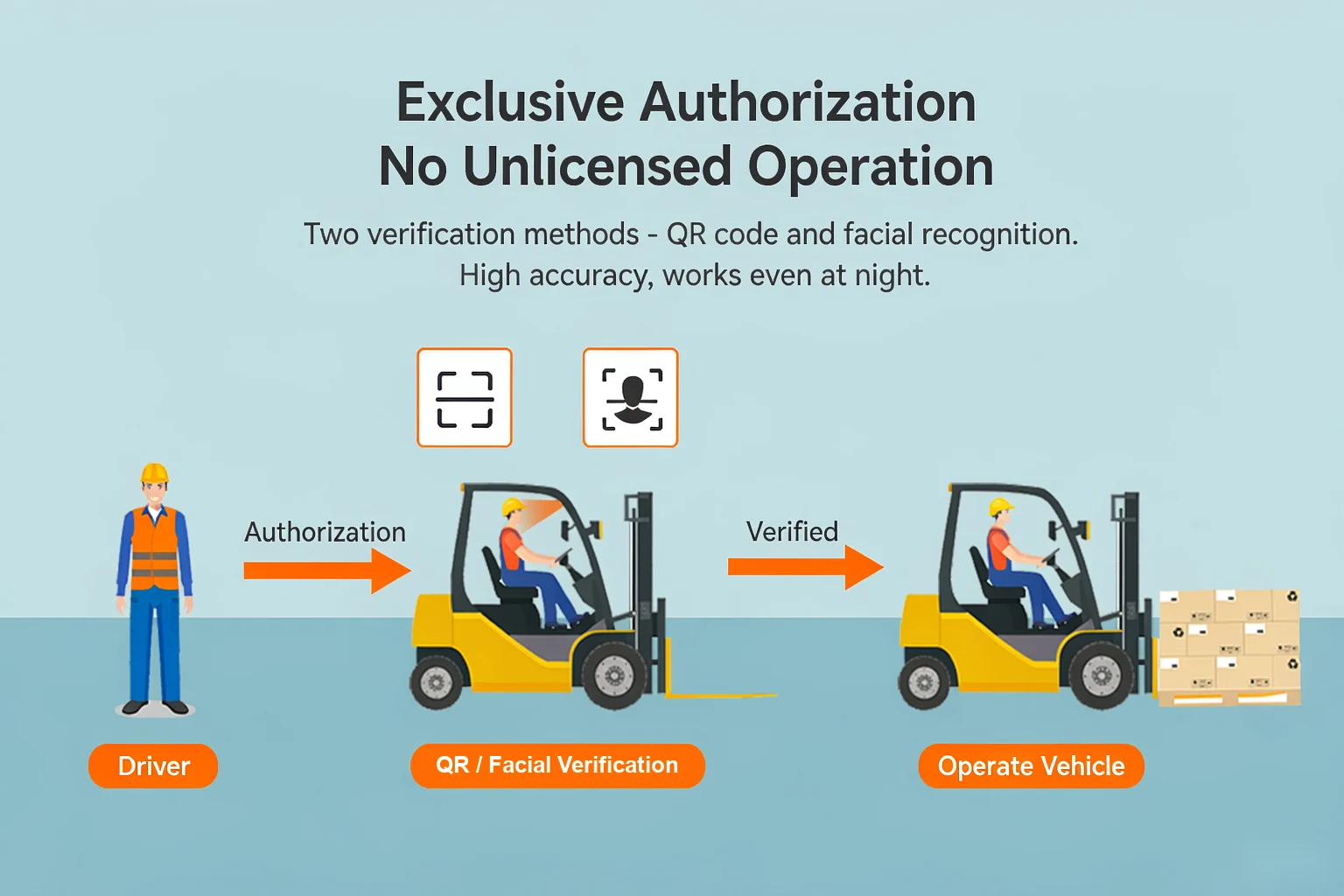
Enter Vehicle and Driver Details
Create vehicle records, bind the terminal and enter the driver’s
personnel information in the management platform.
Set Driver Permissions
Select which registered drivers may use each vehicle. Platform
authorization requires the terminal to be powered and online.
Verify at the Vehicle
The assigned driver scans the device QR code with the designated
mini program or uses facial recognition at the terminal.
Review Usage Information
Managers review available vehicle status, location and operating
records through the connected platform.
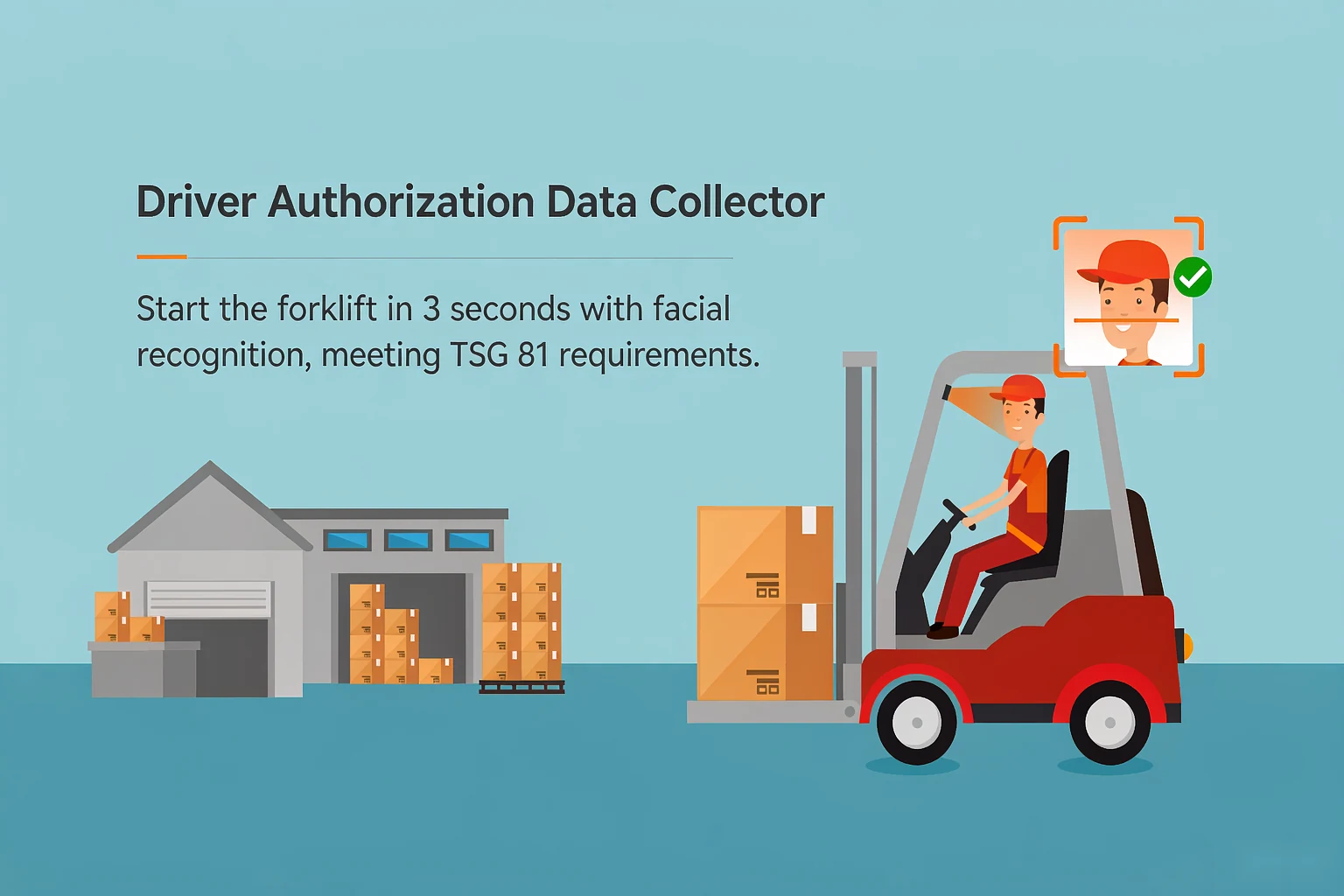
Choose the Identification Method for Your Site
For QR code access, the driver uses the designated mini program
to scan the code displayed on the SF-152 terminal. The personnel
account and vehicle authorization must be set up beforehand.
For facial recognition, a driver’s facial image is first entered
through the platform. The terminal then checks the person at the
vehicle as part of the configured authorization process.
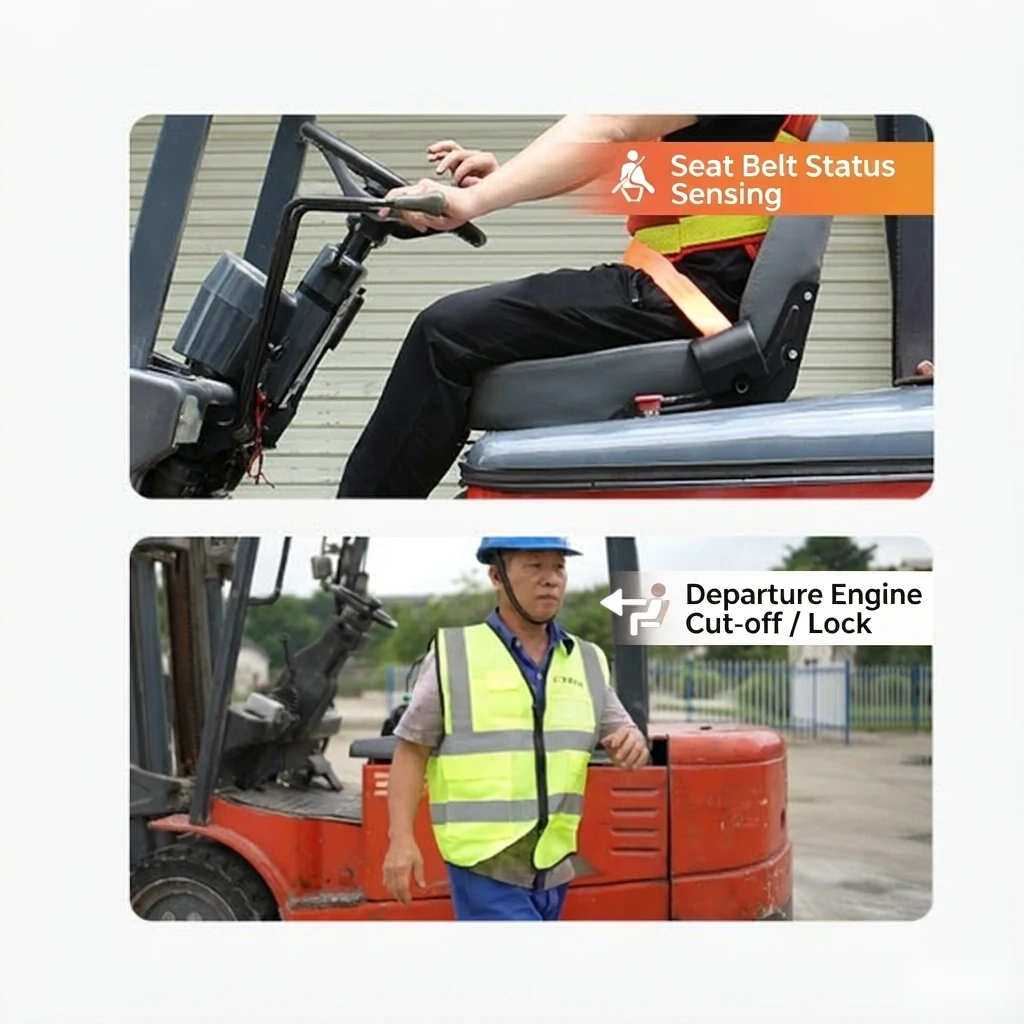
Link Seat Belt Status to Vehicle Operation
The SF-152 manual lists a wired seat belt sensor as an optional
accessory. When it is installed and the function is enabled, the
terminal can provide a seat belt warning.
A vehicle control response also depends on the relay controller,
the forklift wiring and the settings selected for the project.
Confirm the required behavior and vehicle electrical arrangement
before installation.
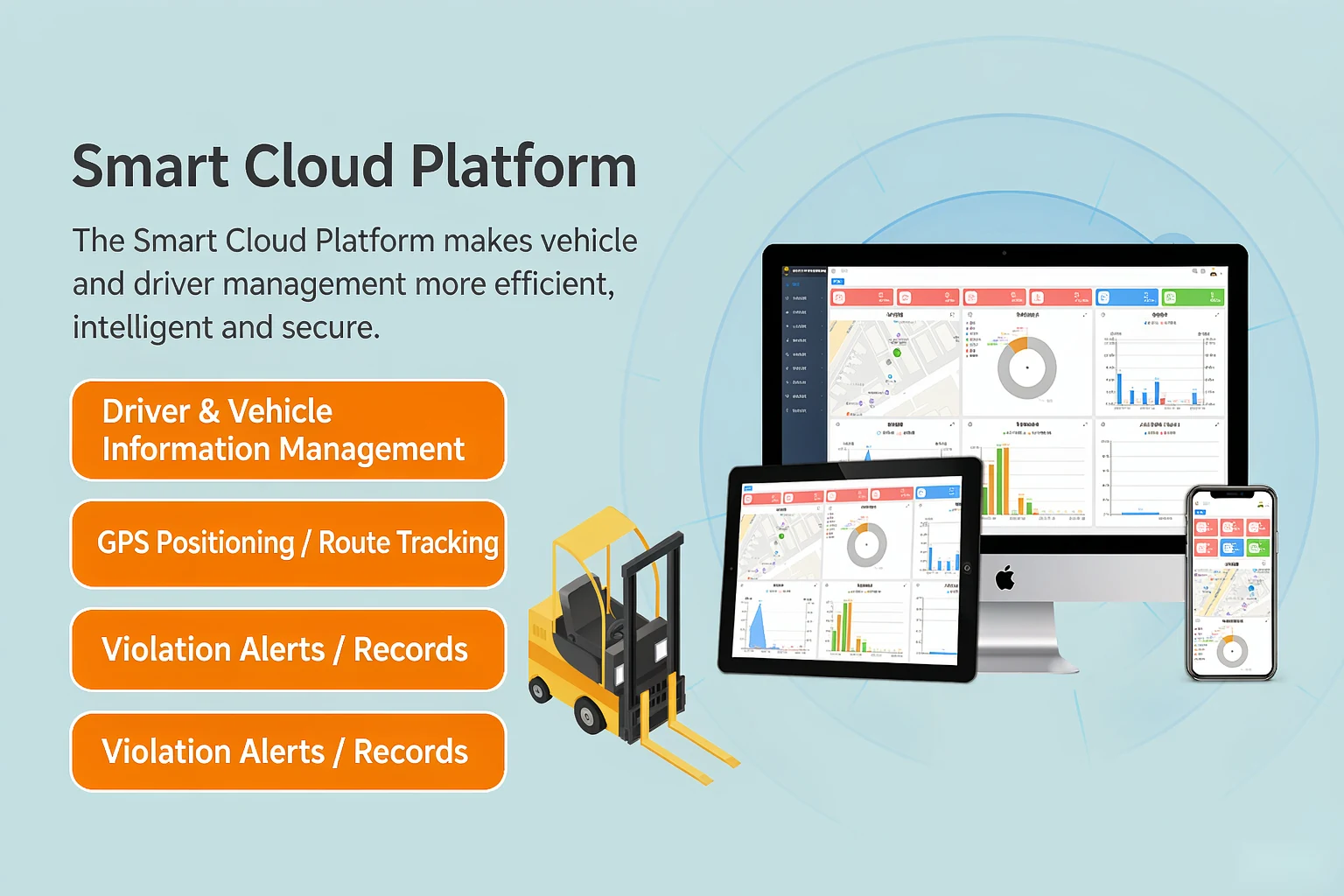
Support a Forklift Fleet Management System
SF-152 exchanges information with the connected
forklift fleet management system.
Managers can maintain vehicle and personnel records, assign access
permissions and review available vehicle information.
The manual also describes positioning, route monitoring, electronic
fences and reports on vehicle use. Available platform functions and
network service should be confirmed for the deployed configuration.
Install the Terminal and Select the Required Accessories
The supplied manual separates standard vehicle equipment from
accessories selected for additional functions.
Standard Equipment
The manual lists the host, main cable, mounting bracket, GPS
antenna, relay controller, external speaker and fuse holder as
standard accessories.
Optional Accessories
A wired seat belt sensor, one-to-three extension cable and RS-485
extension cable are listed as selectable accessories.
On-Site Verification
After installation, verify power, network status, platform binding,
driver identification and the configured vehicle response before use.
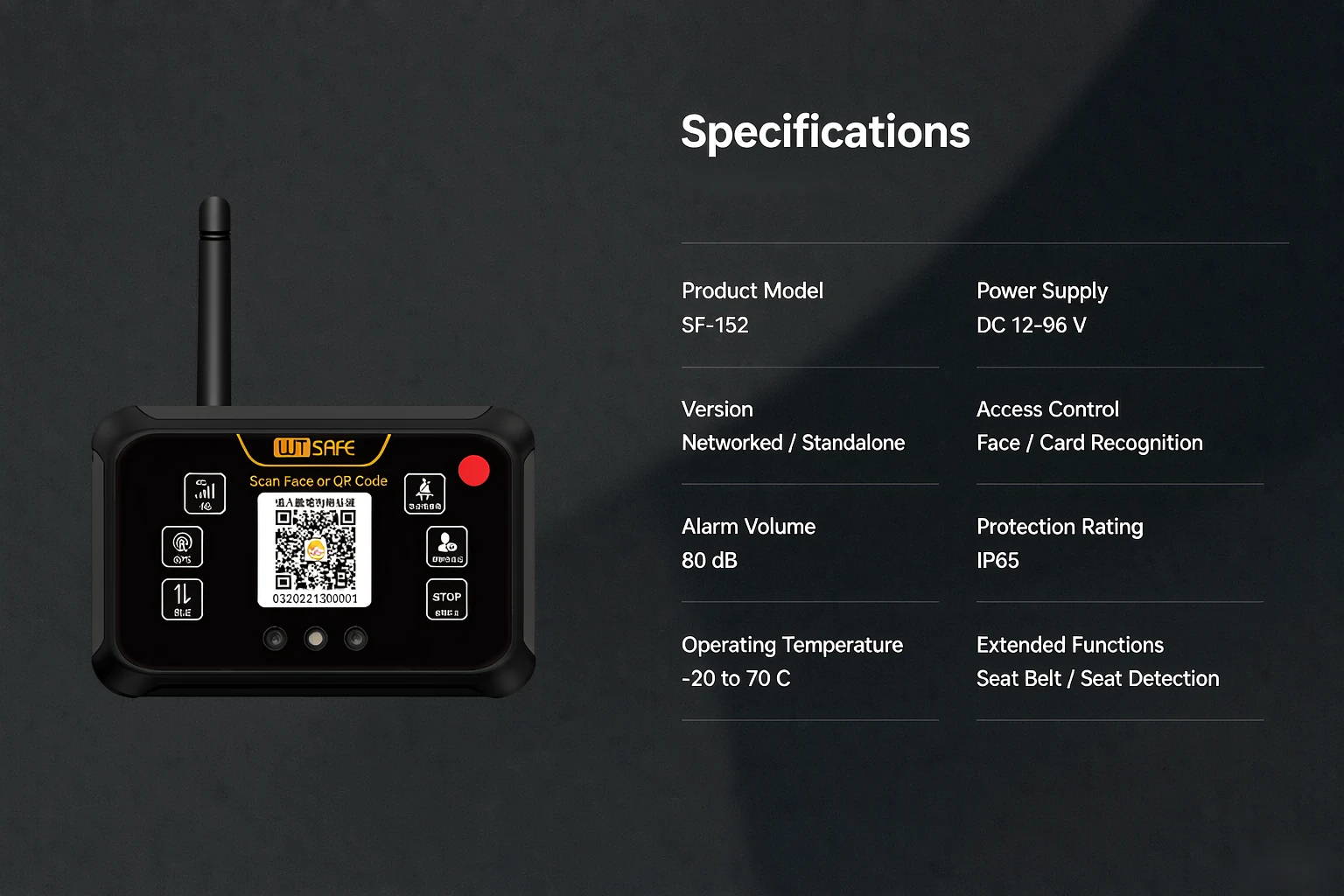
SF-152 Technical Specifications
Electrical and environmental figures from the supplied SF-152 manual.
| Operating Voltage | DC 12–100 V |
|---|---|
| Standby Current | ≤20 mA at DC 12 V |
| Operating Current | ≤350 mA at DC 12 V |
| Average Power | 5 W |
| Remote Control Distance | ≤1 m |
| Operating Temperature | −20°C to +70°C |
| Protection Rating | IP65 |
Configure SF-152 for Your Forklift Fleet
Share your forklift type, fleet size, driver authorization process and
requirements for seat belt integration or vehicle control. We can
review the suitable hardware and platform configuration with you.
SF-152 Forklift Access Control System FAQs
−
+
+
+
+
+